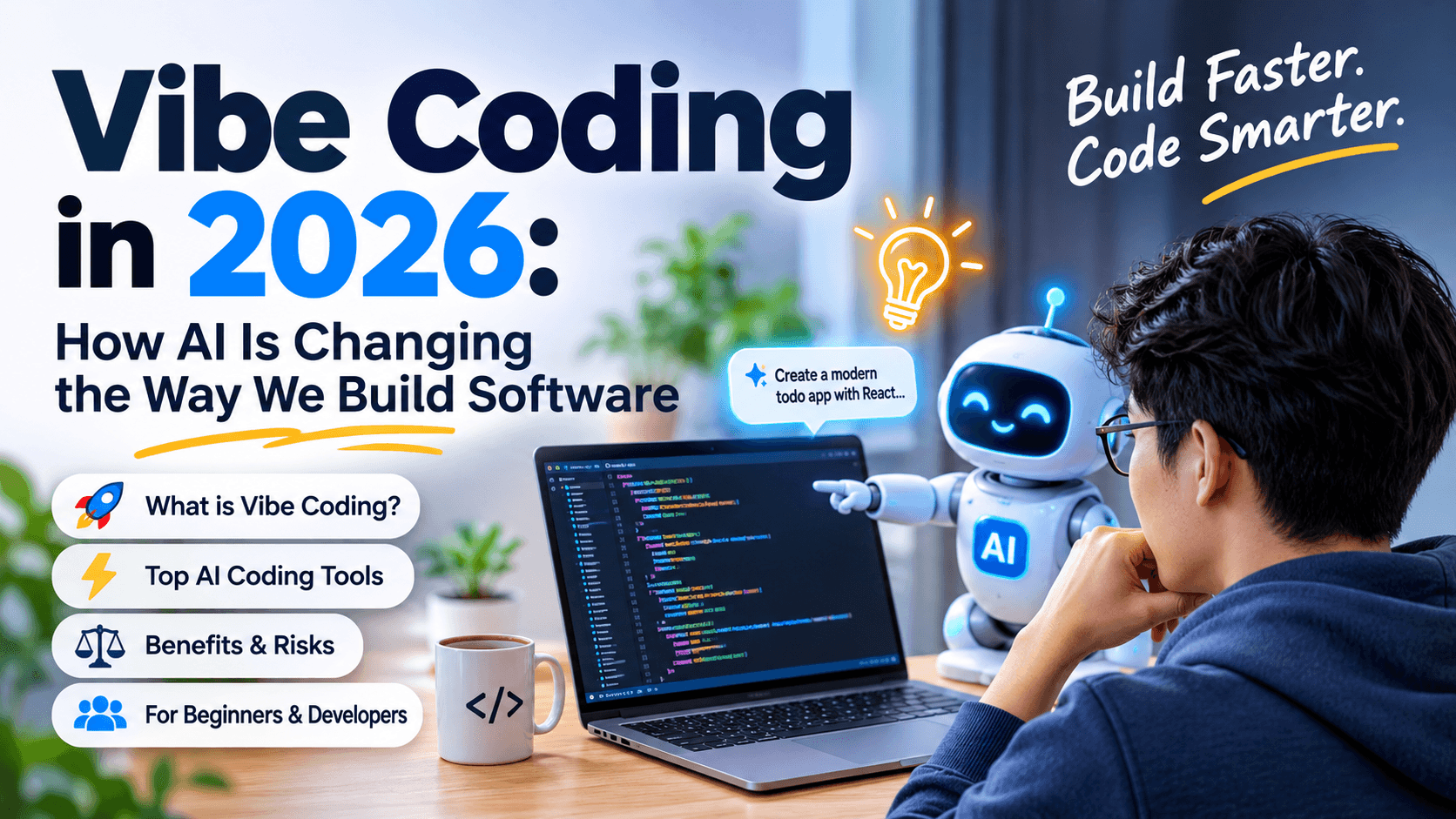
If you work in software—or just follow tech news—you have probably heard the phrase vibe coding everywhere this year.
As a full-stack developer with over eight years of experience building web applications in Laravel, PHP, JavaScript, React, and Next.js, I have watched AI coding tools evolve from simple autocomplete into agents that can plan features, edit multiple files, and run tests.
The shift is real. Whether you are building your very first app or maintaining a production codebase, the way we write software in 2026 looks noticeably different from just a few years ago.
1. What Is Vibe Coding?
Vibe coding is a style of building software where you describe what you want in plain natural language instead of writing every line of code manually. You prompt an AI assistant to generate features, adjust layouts, connect APIs, and fix errors while you guide the overall direction.
As explained in What Is Vibe Coding? – Google Cloud, the term was popularised to describe a workflow where you focus on the desired outcome—the "vibe" or behaviour of the application—and let an AI model handle most of the syntax.
In traditional software development, you translate business logic into exact syntax yourself, read documentation, wire up files by hand, and trace bugs line by line. In vibe coding, you act more like a product director or reviewer:
- Describe the feature or problem in plain English.
- Let the AI propose and write the code across files.
- Run the app, inspect the result, and ask for changes until it works.
For small prototypes, you might barely touch the code editor at all. For production systems, it works best as AI-assisted engineering, where you direct the AI and carefully review everything it produces.
2. Why Is Vibe Coding Popular in 2026?
Several practical changes converged to make vibe coding mainstream in 2026:
- AI coding tools are far more capable: Modern coding assistants no longer just suggest one line at a time. They read entire repositories, run terminal commands, inspect failing tests, and apply multi-file edits reliably.
- Ideas become working prototypes faster: What used to take a weekend of wiring up boilerplate, forms, and database tables can now be tested in an afternoon.
- Beginners can experiment right away: Non-developers, designers, and founders can build internal tools or interactive mockups without spending months memorising syntax first.
- Experienced developers skip repetitive work: Senior engineers can offload routine scaffolding and spend more energy on system design, tricky edge cases, and product quality.
Because of this, expectations around development speed have shifted. Clients, managers, and teams increasingly expect faster early prototypes and quicker iteration cycles—which makes knowing how to work with AI a practical advantage, not just a novelty.
3. Vibe Coding vs. Traditional Development
Neither approach is automatically "better." They optimise for different goals, and the right balance depends on what you are building.
| Area | Traditional Development | AI-Assisted / Vibe Coding |
|---|---|---|
| Writing code | Developer writes most code manually | AI generates code from instructions |
| Learning | Requires understanding programming concepts | Easier to start experimenting |
| Development speed | More manual work | Faster for many repetitive tasks |
| Debugging | Developer investigates and fixes issues | AI can help investigate and suggest fixes |
| Code quality | Depends on developer practices | Requires reviewing AI-generated code |
| Maintenance | Developer understands the implementation | Developers must still understand and maintain the generated code |
In my own day-to-day work, I do not treat this as an either-or choice. I combine both approaches. I let AI handle the first draft of repetitive code, while I rely on traditional engineering habits—clear architecture, careful code review, and thorough testing—before anything ships to users.
4. How Experienced Developers Use AI
When people imagine vibe coding, they often picture someone blindly typing "build me an app" and hoping it works. In real-world full-stack work, experienced developers use AI much more selectively across everyday tasks:
- Generating boilerplate and repetitive components: Creating a new Laravel Form Request, migration, model relationships, and API resource—or scaffolding a typed Next.js form and React data table—used to mean copying old files and renaming fields. AI generates clean starting boilerplate in seconds.
- Understanding unfamiliar codebases: When stepping into a legacy PHP module or a large JavaScript repository, I ask the AI to trace where a specific webhook or state update flows before I touch anything.
- Implementing features from requirements: Given a clear requirement—such as "add CSV export with date-range filtering and role checks"—an AI assistant can draft the controller query, download headers, and frontend button together.
- Debugging errors and unexpected behaviour: Pasting a React hydration warning, a Next.js server/client boundary error, or a slow Laravel query log into an AI tool quickly narrows down likely root causes so I can verify the fix.
- Refactoring existing code: I often highlight a bloated PHP controller or tangled React
useEffectchain and ask for a cleaner extraction into a dedicated service class or custom hook, then review the diff line by line. - Writing tests and documentation: Generating PHPUnit/Pest feature tests, Jest or Playwright test cases, and clear README or API notes is much faster when AI writes the initial test cases and I add the tricky edge cases.
- Reviewing edge cases and alternatives: Before committing, I ask the AI to critique my diff: "What happens if two requests hit this endpoint at the same time?" or "Are there missing validation or authorisation checks here?"
5. Popular Vibe Coding Tools in 2026
Different tools fit different types of users. Some are built for software engineers working inside real repositories, while others help beginners go from a prompt to a live web app in the browser.
Tools Built for Developers & Existing Codebases
- Cursor: An AI-first code editor built for navigating multi-file repositories, inline edits, and agentic coding workflows inside local projects.
- GitHub Copilot: Deeply integrated into VS Code, JetBrains IDEs, and GitHub pull requests, offering inline completions, chat, and coding agent workflows.
- Claude Code: Anthropic's agentic coding tool that operates directly in your terminal and IDE to read codebases, edit files, run commands, and handle multi-step engineering tasks.
- Google Antigravity: Google's agentic development platform built around coordinating coding agents, terminal execution, and browser verification across a workspace.
- Windsurf (now Devin Desktop): Originally launched as the Windsurf AI IDE and rebranded to Devin Desktop in 2026 after Cognition's acquisition, combining local editing with autonomous agent workflows.
Tools Built for Fast Prototyping & Beginners
- Replit: A browser-based development environment with an integrated AI agent that builds, hosts, and deploys full-stack apps without local setup.
- Lovable and Bolt: Prompt-driven web app builders that generate React/Next.js interfaces, connect backends, and publish live previews directly from natural language prompts.
Visit each tool's official website for current plans, model support, and usage limits, as pricing and quotas evolve quickly.
6. Benefits and Risks
AI coding tools bring obvious upside, but skipping engineering discipline introduces real problems.
Key Benefits
- Faster prototyping and delivery: Validate product ideas with real users in hours or days instead of weeks.
- Lower barriers to building software: More people can turn ideas into working tools without getting stuck on setup friction.
- Less repetitive work: Less time spent writing CRUD boilerplate, type definitions, and routine test fixtures.
- More focus on architecture and problem-solving: Developers can dedicate more attention to user experience, data modelling, and system reliability.
Real Risks to Watch Out For
- Incorrect or inefficient code: AI can generate plausible-looking code that handles the happy path while failing silently on edge cases or running slow N+1 database queries.
- Security vulnerabilities: Generated endpoints can miss authorisation checks, expose sensitive fields, introduce injection risks, or mishandle authentication tokens.
- Difficult debugging and maintenance: If an app was built through dozens of unreviewed prompts, fixing a subtle bug later feels like debugging a stranger's code with no clear structure.
- Technical debt: Duplicated helpers, inconsistent state management, and unnecessary dependencies pile up quickly when you accept every generated file.
- Over-reliance without understanding: Copying code you cannot explain leaves you stuck the moment the AI loops on a bug it cannot solve.
7. Will AI Replace Software Developers?
In short: no—at least not the parts of software engineering that matter most in production.
Generating syntax has always been only one piece of the job. Building reliable software requires skills that go well beyond typing code:
- Clarifying messy requirements and pushing back when an idea creates unintended edge cases.
- Designing architecture that fits real traffic, budgets, and team workflows.
- Enforcing security and privacy across authentication, permissions, and third-party integrations.
- Testing, performance tuning, and deployment when real users hit unexpected paths.
- Long-term maintenance months or years after launch, when dependencies age and requirements change.
If anything, AI widens the gap between someone who just prompts and someone who understands systems. Experienced developers who learn to direct AI effectively have a major advantage, because they can spot flawed assumptions early, guide the architecture, and verify whether generated code is actually safe to ship.
Even when AI writes 70% or 80% of the implementation, understanding the code remains essential. Someone still has to own what runs in production.
8. Conclusion: Developers Who Adapt Will Have an Advantage
Vibe coding is genuinely changing how software is built in 2026. Beginners have more ways than ever to turn rough ideas into working apps, and experienced engineers can move faster without drowning in repetitive setup.
The future is not AI versus developers. It is developers learning to work effectively with AI—using natural language tools for speed while keeping technical judgment, problem-solving skills, and maintainability at the centre of every project.
Thanks for reading! If you want to chat about AI workflows, full-stack development, or building reliable web products, feel free to reach out through my contact page.
Read More
If you found this helpful, you might also enjoy these articles on my blog:
- Why is Programming Easy, Software Engineering is Hard, Maintaining is the Hardest — A practical look at why writing code is only the beginning and why architecture and maintenance determine long-term success.
- What is DevOps? — Covers CI/CD, automation, deployment, and monitoring—the engineering practices that keep applications reliable after code is written.
- Top Websites to become a React.js Developer in 2023 — Foundational learning resources if you want to strengthen your React fundamentals instead of relying blindly on generated UI code.
- How to make money $1000 every day using ChatGPT? — An earlier look at practical ways developers and creators were starting to integrate AI assistants into everyday work.